
Microsoft has been steadily building PDF editing directly into Edge and Word, and adoption of that native tool is climbing. For basic tasks — viewing, filling a form, adding a signature — the built-in option is often enough. But for anything beyond that, most users still turn to a dedicated third-party editor. Here are five that continue to hold ground, and what each one is actually built for.
Al to Sign PDF Skips Registration Entirely
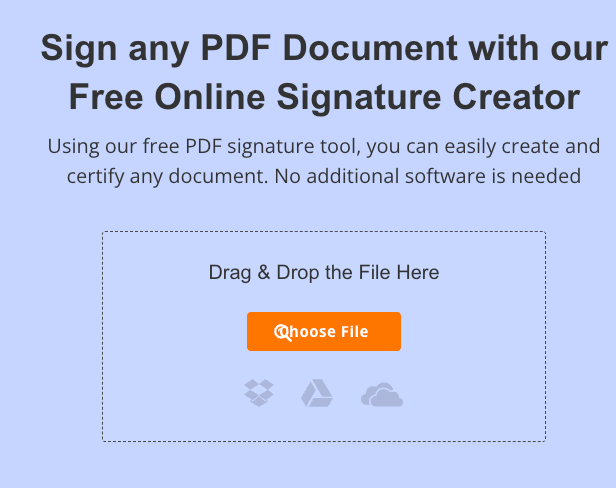
AltoSignPDF is a cloud-based platform built around adding signatures to PDF documents without downloads or sign-up. Users of Altosignpdf can type a name in a handwriting-style font, draw a signature with a mouse or touchscreen, upload an image, or capture one via webcam — including a QR-code option for signing from a phone. Beyond signing, it also handles the everyday manipulation tasks that make up most PDF work: splitting, merging, reordering, extracting, compressing, and rotating pages, all without saving files to a server.
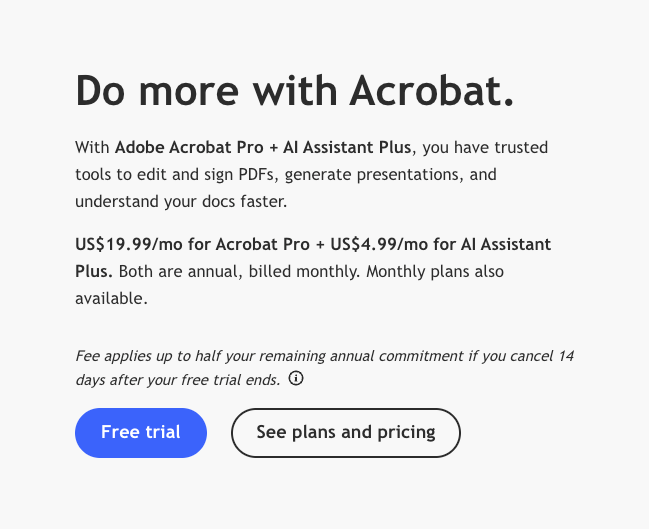
Adobe Acrobat Remains The Reference Point For Complex Documents
Acrobat edits text, images, and pages directly, converts to and from Word, Excel, and PowerPoint, and includes OCR for scanned files. It’s the tool most other PDF editors compare themselves against, and it shows in how reliably it reconstructs multi-column layouts and tables.
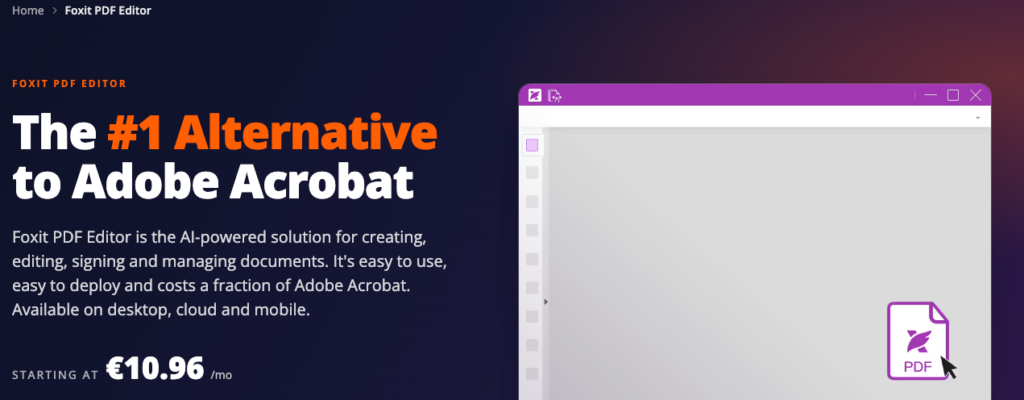
Foxit PDF Editor Positions Itself As The Lower-Cost Alternative
Foxit covers the same core ground as Acrobat — text, image, and page editing, OCR, conversion to Office formats — and adds an AI assistant with monthly credits for summarization and translation, plus AI-powered redaction for sensitive data. The company markets its per-license cost as roughly 44% lower than Acrobat.
Sejda Focuses On Precise, Task-Based Editing
Sejda lets users type directly onto a PDF, change existing text with font and color controls, add shapes and hyperlinks, and use find-and-replace across a document. It doesn’t handle OCR or scanned files, but for text-based PDFs its editing controls are more granular than most free tools offer.
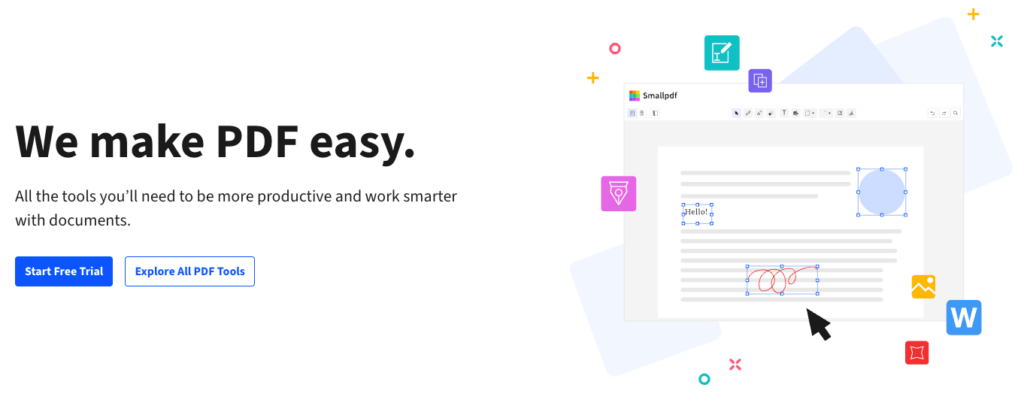
Smallpdf Trades Editing Depth For Simplicity
Smallpdf doesn’t attempt to match Acrobat’s full editing suite; instead, it asks for nothing beyond the file itself for a single conversion or edit, with OCR reserved for its paid tier.
Microsoft’s built-in editor covers the basics well enough that fewer people need a dedicated tool just to view or lightly annotate a PDF. What it doesn’t do is replace the more specific jobs these five tools are built for — precise text edits, OCR on scanned pages, or signing a document without touching a native app at all. For that last case in particular, a tool like AltoSignPDF, which skips the account-creation step entirely and handles routine page management alongside signing, remains one of the simplest options available.